概要
WSL2のubuntu上で動いているVScodeにmarkdown PDFを入れてmarkdownからPDFにExportしたい。PDFにするにはchromiumが必要のようだ。そしてchromiumをインストールするにはsnapがいるらしい。snapを入れてchromium-browserを入れてとやってきたが、まだエラーが出る。
エラーメッセージ
内容は
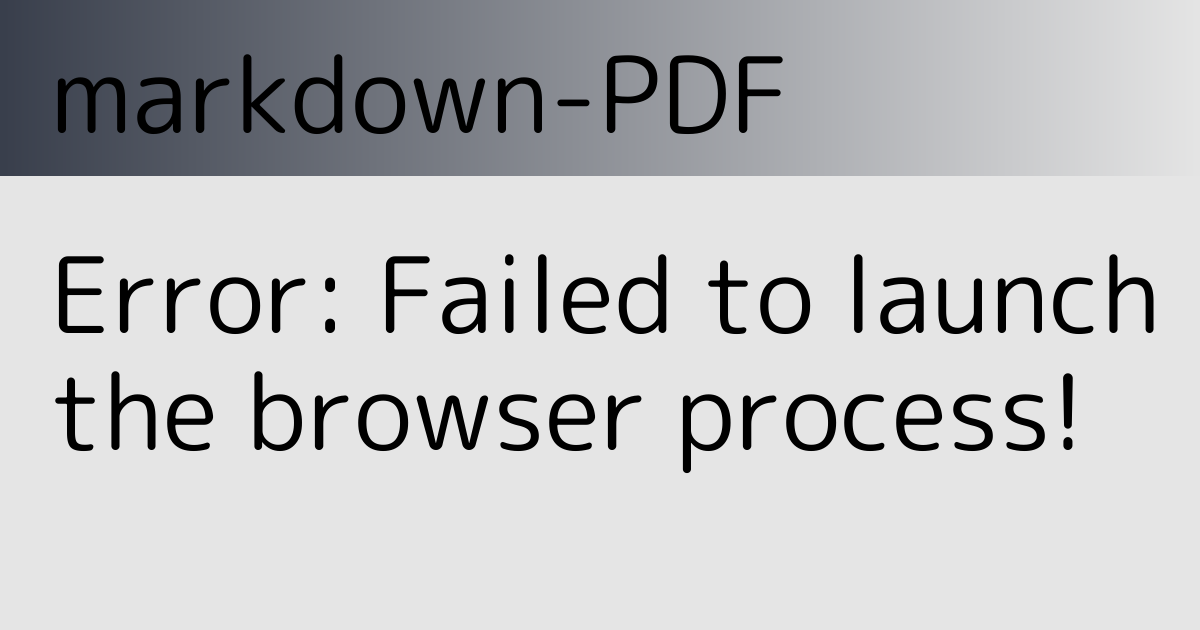
Error: Failed to launch the browser process!
/home/kikutech/.vscode-server/extensions/yzane.markdown-pdf-1.5.0/node_modules/puppeteer-core/.local-chromium/linux-722234/chrome-linux/chrome: error while loading shared libraries: libnss3.so: cannot open shared object file: No such file or directory
TROUBLESHOOTING: https://github.com/puppeteer/puppeteer/blob/master/docs/troubleshooting.mdとのこと。libnss3.soというのが必要のようだ。なのでインストール。
必要なライブラリのインストール
sudo apt-get install libnss3-devこれで解決!のはずだったが、まだエラーが出た。次は
Error: Failed to launch the browser process!
/home/kikutech/.vscode-server/extensions/yzane.markdown-pdf-1.5.0/node_modules/puppeteer-core/.local-chromium/linux-722234/chrome-linux/chrome: error while loading shared libraries: libXss.so.1: cannot open shared object file: No such file or directory
TROUBLESHOOTING: https://github.com/puppeteer/puppeteer/blob/master/docs/troubleshooting.mdということなので、libXssもインストール。
sudo apt-get install libxss1もうコピペしないが次は libasound.so.2が必要とのことでインストール。
sudo apt-get install libasound2t64これで解決した。
そのメッセージに出ているトラブルシューティング によると、
See this thread with some tips specific to WSL. In a nutshell, you need to install missing dependencies by either:
1. Installing Chrome on WSL to install all dependencies
2. Installing required dependencies manually: sudo apt install libgtk-3-dev libnotify-dev libgconf-2-4 libnss3 libxss1 libasound2.
とのことなのであらかじめそれらをインストールしておけばよいらしいのだが、libgconf-2-4は存在しないようだった。今のところなくても動いているようだ。
参考サイト
- puppeteer/docs/troubleshooting.md at main · puppeteer/puppeteer https://github.com/puppeteer/puppeteer/blob/main/docs/troubleshooting.md
コメント